

🧠 Intro Quick Summary
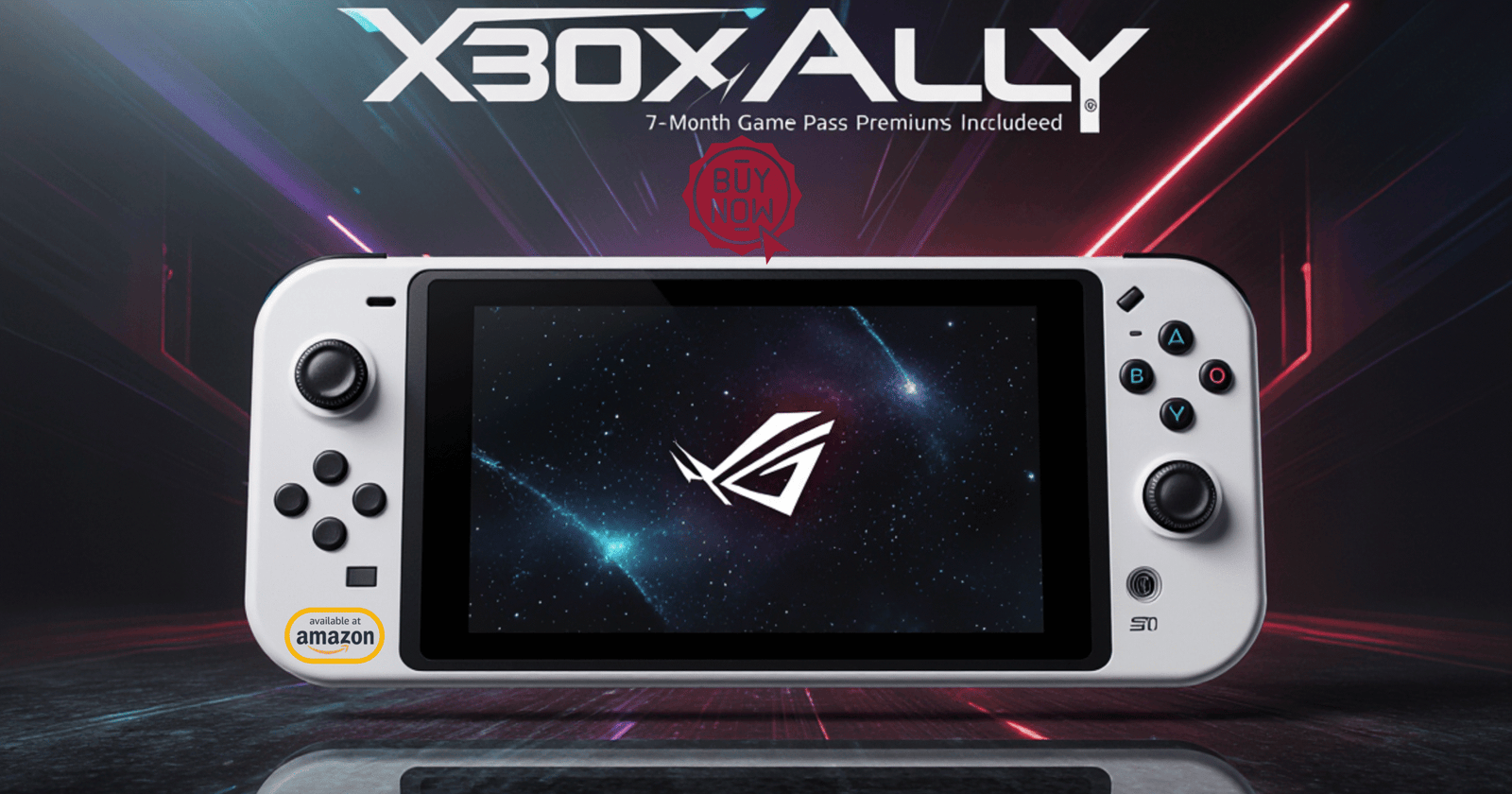
For gamers in the United States who want maximum flexibility without giving up performance, the ASUS ROG Xbox Ally stands out as a dynamic handheld capable of delivering an experience remarkably close to console and PC gaming. Equipped with a fast AMD processor, smooth 120Hz display, and ergonomically-shaped control layout, this handheld makes portable gaming feel genuinely high-end. The combination of power and portability makes it a strong choice for gamers who want to play anywhere — whether traveling, commuting, or relaxing at home.
Convenience and versatility define this device. Its integration with Windows allows access to an enormous range of PC games, while its Xbox-inspired controls feel intuitive right away. From graphic-rich open-world adventures to cloud-streamed blockbuster titles, the Ally pushes handheld gaming forward with confidence, giving players a premium experience with minimal compromise.
📌 Table of Contents
- Overview & First Impressions
- Design & Ergonomics
- Display & Visual Quality
- Performance & Gaming Power
- Software & User Experience
- Battery Life & Portability
- Audio & Connectivity
- Storage & Expandability
- Value Proposition — Is It Worth It?
- Final Thoughts & Recommendation
- Frequently Asked Questions (FAQ)
1. 🕹️ Overview & First Impressions
The first thing you notice when unboxing the ROG Xbox Ally is how premium it feels. Its clean white body and futuristic geometric accents immediately communicate that this handheld is designed with style and purpose. The size is ideal — substantial enough to feel powerful, yet compact enough to grab and go without thinking twice.
Because it operates as a handheld gaming PC, expectations are high, and the Ally makes a strong first impression. The build quality, button layout, and materials are thoughtfully executed. The moment you power it on and interact with the system, the device shows off its power and responsiveness. It feels like a serious gaming machine right away rather than a novelty gadget.

2. 🎮 Design & Ergonomics
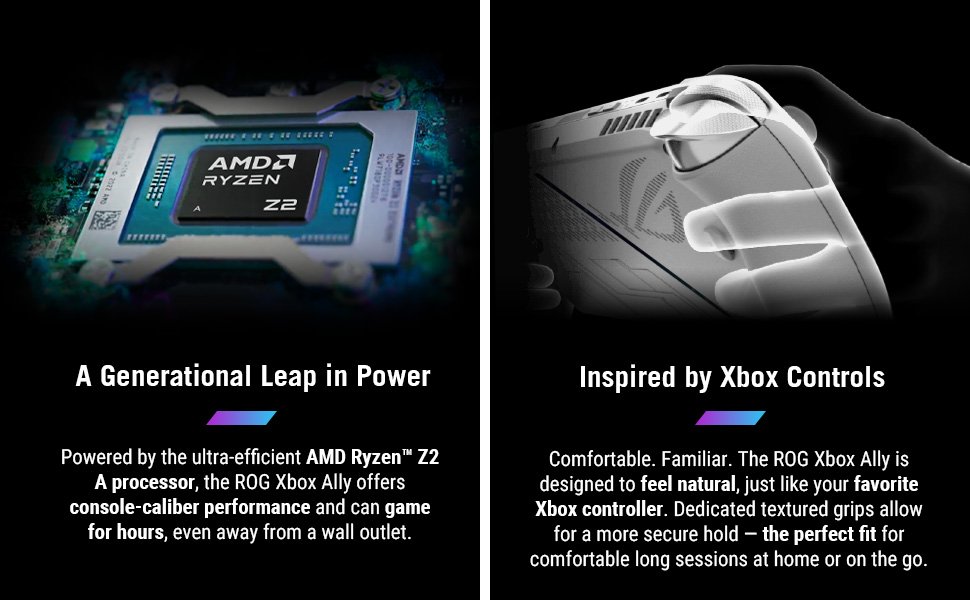
Comfort plays a crucial role in handheld devices, and the Ally delivers a standout ergonomic experience. The weight distribution is balanced, helping prevent fatigue during longer sessions. The contours of the grips, the matte texture, and the angle of the buttons all combine to support natural handling. This is especially valuable when playing action-heavy games that require constant button inputs.
The control layout resembles a familiar console controller, letting your thumbs and fingers find the right positions effortlessly. Buttons react with a satisfying click, joysticks glide smoothly, and the triggers feel responsive without being overly sensitive. Additional programmable rear buttons give experienced players room to personalize their setup — something handheld competitors don’t always include. Simply put, using the Ally feels intuitive from the moment you pick it up.
3. 🌈 Display & Visual Quality
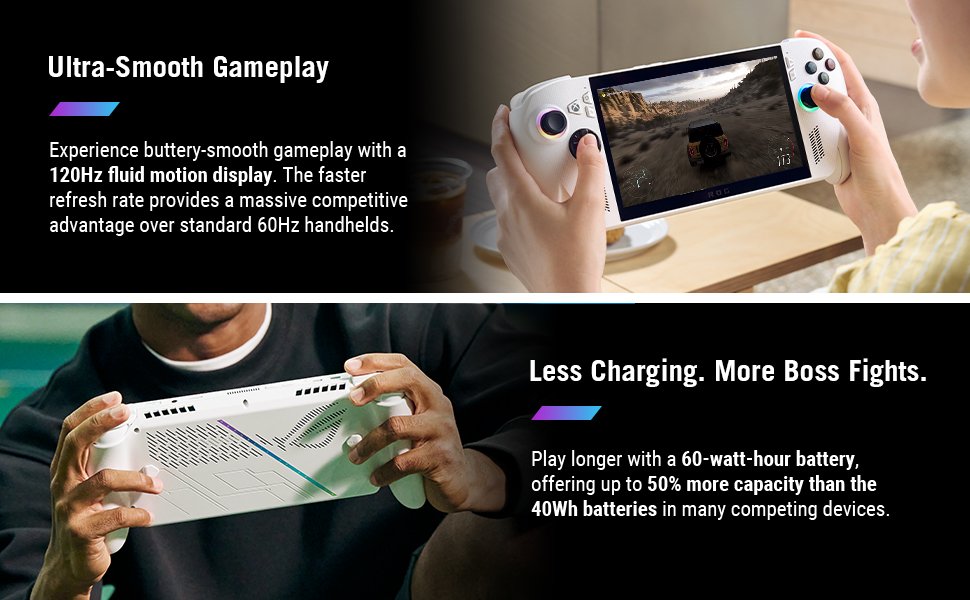
The Ally’s 7-inch 1080p display is a major selling point. Colors appear lively, textures look crisp, and motion remains smooth thanks to the 120Hz refresh rate. Whether you’re navigating fast-paced shooters or exploring visually rich environments, the sharpness and clarity enhance immersion.
Because the display supports touch input, interacting with menus and apps feels natural and responsive. It bridges the gap between a gaming device and a compact tablet, enabling multiple types of interaction depending on the task. Outdoor visibility is reasonable as well, giving players flexibility when gaming away from home.
The durable screen protection reinforces the Ally’s claim as a portable premium device. You can feel confident tossing it into a backpack or using it in everyday environments without worrying about the display being overly fragile.
4. ⚡ Performance & Gaming Power
Performance is where the Ally truly shines. Its processor provides powerful computing capability that handles both demanding PC titles and lighter indie games without breaking a sweat. Paired with generous memory, the handheld loads games quickly and transitions between applications smoothly.
This performance advantage becomes instantly noticeable when launching high-resource games or multitasking between platforms. The device handles both cloud streaming and local gaming effectively, offering flexibility for players who want the best of both worlds. Even when running games locally, the system maintains a level of responsiveness that feels impressive for its size and weight.
With this combination of hardware, users can confidently explore more graphically intensive titles without feeling limited. The result is a performance level uncommon in handheld systems — one that makes you forget you’re not sitting at a desk.
5. 💻 Software & User Experience
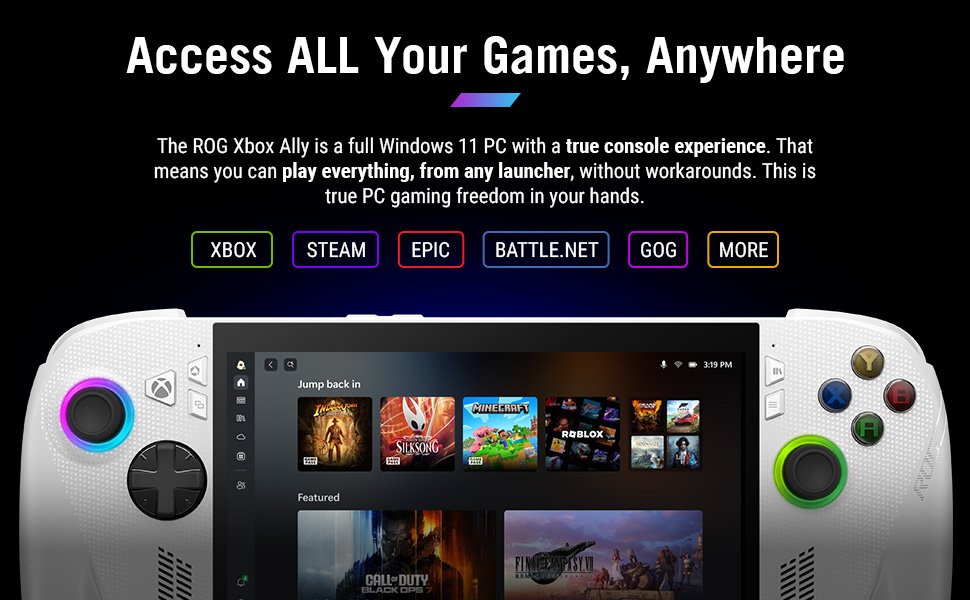
Because the Ally runs Windows, it functions as both a gaming device and a portable computer. This design unlocks an enormous range of possibilities. Players can install various launchers, experiment with different apps, and customize their setup however they like.
Menus and settings feel familiar if you’ve ever used a PC. Instead of learning a new ecosystem, you’re free to enjoy the same tools you’d use on a desktop machine — but with handheld convenience. The benefits extend beyond gaming: browsing, media watching, productivity tasks, and streaming are all within reach.
The learning curve exists but is manageable. Gamers who enjoy tweaking settings will appreciate the freedom that Windows provides. Those who just want to play games can jump straight into action using gaming-focused shortcuts and interface support that streamline navigation.
6. 🔋 Battery Life & Portability
Battery life varies depending on how intensely you use the device. When playing visually demanding titles locally, the Ally consumes power quickly due to the performance it offers. In contrast, cloud-based gaming or lighter workloads allow play sessions to last considerably longer.
This balance is typical of devices with powerful hardware. The key strength here is flexibility: if you want maximum performance, the Ally delivers; if you want longer portable sessions, choosing less intense workloads stretches battery life significantly. For many USA gamers who regularly travel or commute, this balance is practical and expected.
Because of its compact form and comfortable grip, the ROG Ally is easy to pack and carry. Whether you’re gaming on a plane or in a café, the device feels like a natural everyday companion.
7. 🔊 Audio & Connectivity
Despite its compact size, the audio system performs impressively well. Built-in speakers produce clear sound with enough punch to enjoy cinematic sequences or sound-driven games. For players who prefer headphones, the device works seamlessly with wired or wireless accessories.
Connectivity presents one of the Ally’s biggest strengths. Fast wireless connections enhance online play, game streaming, and file downloads. The device also offers multiple wired options, enabling users to connect external displays, storage devices, and accessories. These options make the Ally suitable not just for handheld play but also for hybrid setups similar to a desktop environment.
8. 💾 Storage & Expandability
Out of the box, the Ally provides generous internal storage capable of holding a sizable collection of modern titles. The storage is fast, meaning games launch quickly and system responsiveness stays high. This level of performance feels crucial in a handheld that positions itself as a premium gaming option.
Expandability is another advantage. The microSD slot lets users significantly grow their portable library without replacing internal components. Gamers who download many titles or enjoy rotating through a large collection will appreciate this convenience, especially since modern games require substantial space.
9. 💰 Value Proposition — Is It Worth It?
Given its performance and versatility, the ASUS ROG Xbox Ally holds strong value for its price. It’s not just a handheld — it’s a portable gaming PC capable of playing modern titles while supporting the tools and features gamers expect from desktop environments.
Compared with alternatives, the Ally’s bright display, ergonomic feel, and multi-platform flexibility make it a compelling option for those who want more than just a single-storefront gaming device. For USA gamers who like variety and portability, the price feels justified because the device replaces multiple systems at once.
Ultimately, the Ally appeals to those who seek power without sacrificing mobility — and that combination elevates its value.
🏁 Final Verdict — A Portable Gaming Beast Built for the Modern Player
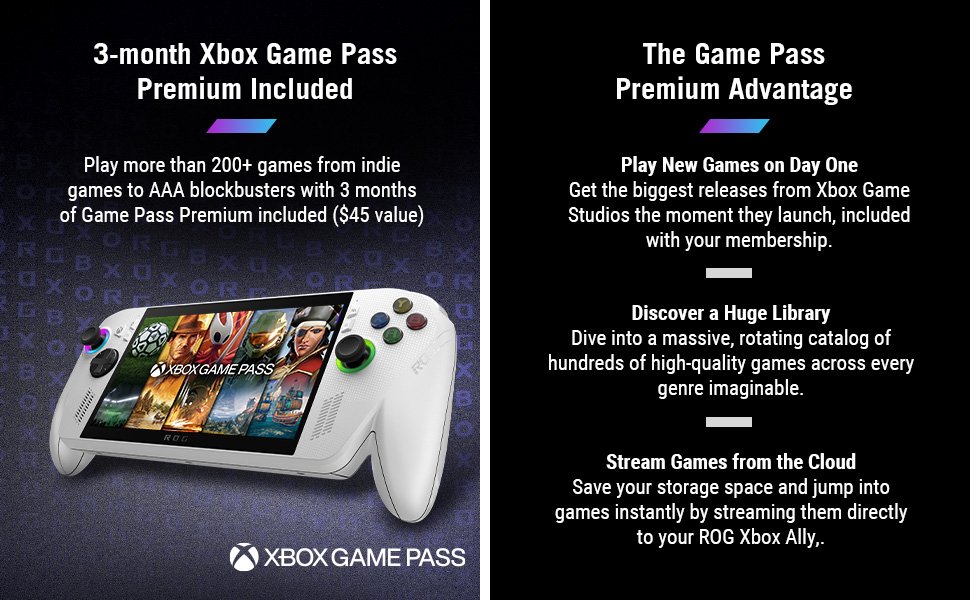
The ASUS ROG Xbox Ally succeeds at bringing serious gaming power into a handheld form that feels natural to use and remarkably adaptable. Its design, performance, and portability combine to create a package that supports modern gaming expectations with confidence. You can enjoy console-style controls, run full PC titles, stream through multiple services, and expand your storage — all without being anchored to a desk.
For players who want their favorite games to travel with them, this device checks nearly every box. It blends strong performance with user-friendly features and offers a meaningful boost in freedom. Gamers in the USA who value flexibility, performance, and comfort will find the Ally to be an investment that enhances their gaming lifestyle far beyond basic pickup-and-play entertainment.
📌 Frequently Asked Questions (FAQ)
Q1: Can I install games from different platforms on the Ally?
Yes. Since it runs Windows, you can access multiple game launchers and services.
Q2: Is the device suitable for competitive online games?
Definitely. With responsive controls and a fast display, it supports fast-paced play smoothly.
Q3: Can the display handle higher frame rates?
Yes — the 120Hz refresh rate is ideal for games that support higher FPS.
Q4: Is the device comfortable for long sessions?
Yes. The ergonomic design helps reduce strain, making it easy to play for extended periods.
Q5: Will I run out of storage quickly with modern games?
The internal storage is solid, and you can expand capacity using a microSD card when needed.