

Quick Intro & Summary
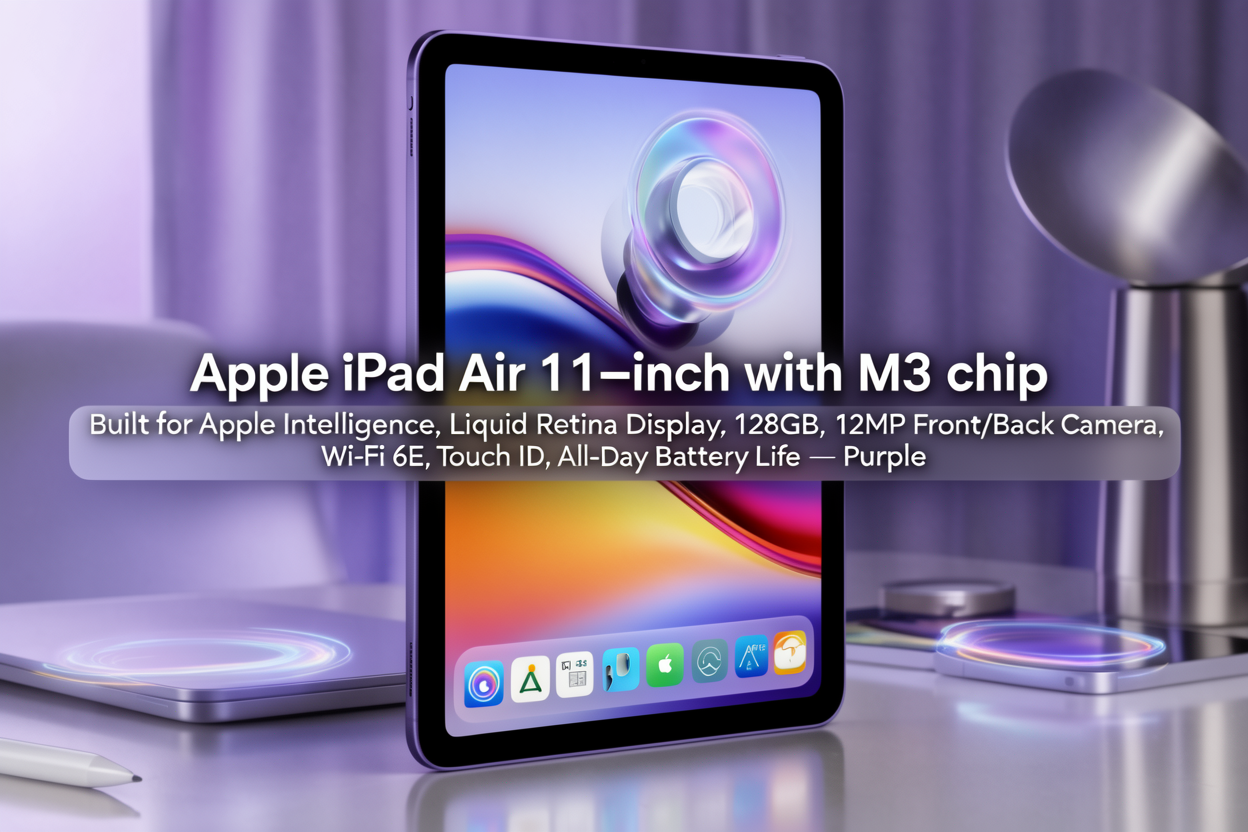
The Apple iPad Air 11-inch (M3) is a device that blends performance, portability, and premium design into one sleek package. With its latest M3 chip, stunning Liquid Retina display, and all-day battery life, it positions itself as a versatile tool for students, professionals, and creators alike. Lightweight yet durable, this iPad goes beyond being a tablet—it is a powerful companion for productivity, creativity, and entertainment.
From my evaluation, the iPad Air (M3) excels in almost every area. It runs complex tasks smoothly, displays vivid visuals, and stays unplugged for hours. While it has a few compromises—such as the absence of a 120 Hz ProMotion display—its strengths overwhelmingly outweigh its limitations. This review explores every aspect in detail so you can make a confident buying decision.
Table of Contents
- Product Overview & Positioning
- Design & Build Quality
- Display & Visual Experience
- Performance & Internals (M3 Chip, RAM, Storage)
- Connectivity & Ports
- Camera & Multimedia Capabilities
- Software & Ecosystem Integration
- Battery Life & Charging
- Real-World Use Cases: Productivity, Creativity, Entertainment
- Strengths & Limitations
- Best Buyer Profile
- Parting Thoughts & Recommendation
- FAQ
1. Product Overview & Positioning
The Apple iPad Air 11-inch with M3 chip represents the perfect middle ground in Apple’s tablet lineup. It provides near-Pro performance at a more accessible price. Its highlights include:
- 11-inch Liquid Retina display
- Touch ID for secure authentication
- USB-C for modern connectivity
- Advanced 12 MP cameras (front and rear)
- All-day battery endurance
- Integration with Apple Pencil and Magic Keyboard
This iPad is tailored for U.S. buyers seeking a balance of power and value. Students, professionals, and creators who want a capable device without stepping up to the iPad Pro will find this Air the ideal option.
2. Design & Build Quality
Premium and Lightweight
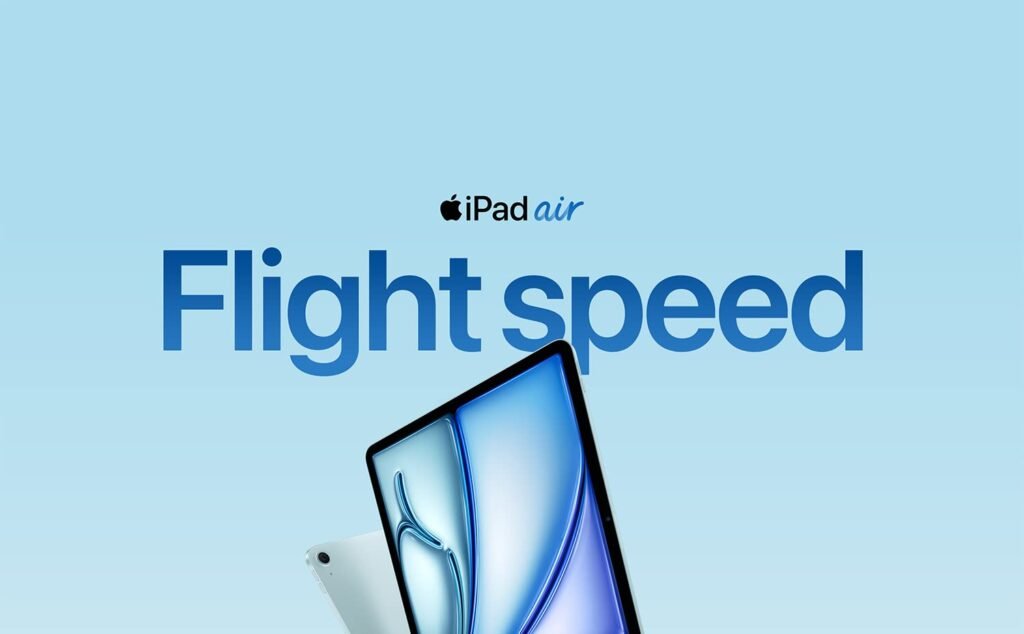
The iPad Air boasts a slim aluminum body with flat edges, offering a premium yet practical design. At just the right size, it balances portability and screen space perfectly. Slim bezels frame the display while still providing enough grip space for comfortable handling.
Ergonomics and Practicality
- Touch ID integrated into the power button ensures secure and fast access.
- USB-C port enables charging, data transfer, and peripheral connectivity.
- Magnetic edges allow seamless attachment of accessories like Apple Pencil or Magic Keyboard.
Its overall craftsmanship lives up to Apple’s reputation—solid, polished, and built to last.
3. Display & Visual ExperienceThe iPad Air’s Liquid Retina display is crisp, bright, and color-accurate. With wide P3 color and True Tone support, visuals remain vibrant and consistent under varying lighting conditions.
While it lacks the 120 Hz refresh rate of the Pro models, touch interactions still feel smooth and responsive. Paired with the Apple Pencil, drawing, annotating, and note-taking feel natural with minimal lag.
This display is excellent for streaming movies, editing photos, or simply browsing in comfort.

4. Performance & Internals (M3 Chip, RAM, Storage)
M3 Power
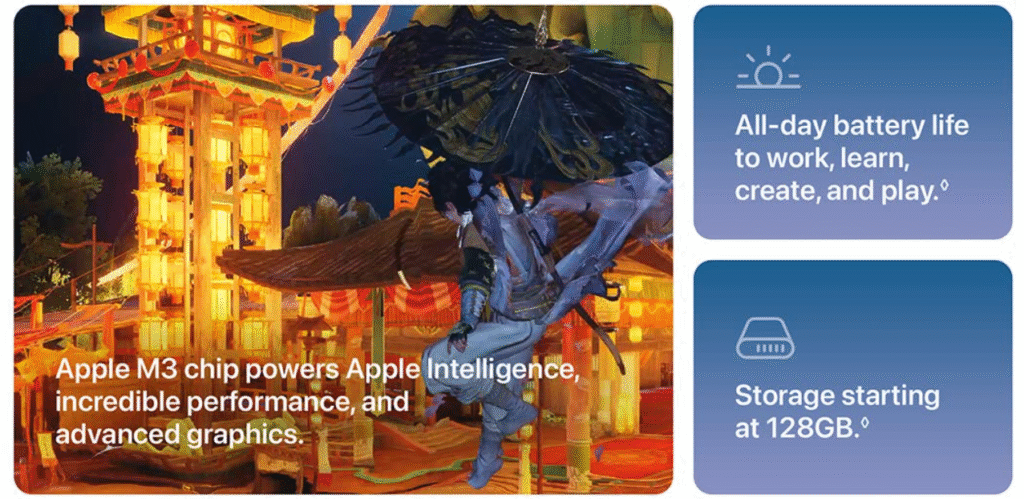
At the heart of the iPad Air lies Apple’s M3 chip, which delivers powerful performance across everyday tasks and professional workflows. From multitasking between apps to editing high-resolution videos, the chip handles it effortlessly.
Memory and Storage Options
Configurations start at 128 GB and scale upward, with ample RAM to support multitasking. For casual users, the base storage is fine; however, professionals dealing with large media files may prefer 256 GB or more.
Thermal Efficiency
Even under demanding use, the iPad Air maintains consistent performance with minimal heating. This ensures reliability for long editing sessions or gaming marathons.
5. Connectivity & Ports
- Wi-Fi 6E delivers fast, reliable connections in supported environments.
- Bluetooth 5.3 enables seamless pairing with accessories.
- USB-C port supports charging, storage devices, and external displays (at standard bandwidth).
- Optional 5G cellular models offer on-the-go connectivity.
The inclusion of Touch ID over Face ID prioritizes practicality, making authentication quick and reliable in all situations.
6. Camera & Multimedia Capabilities
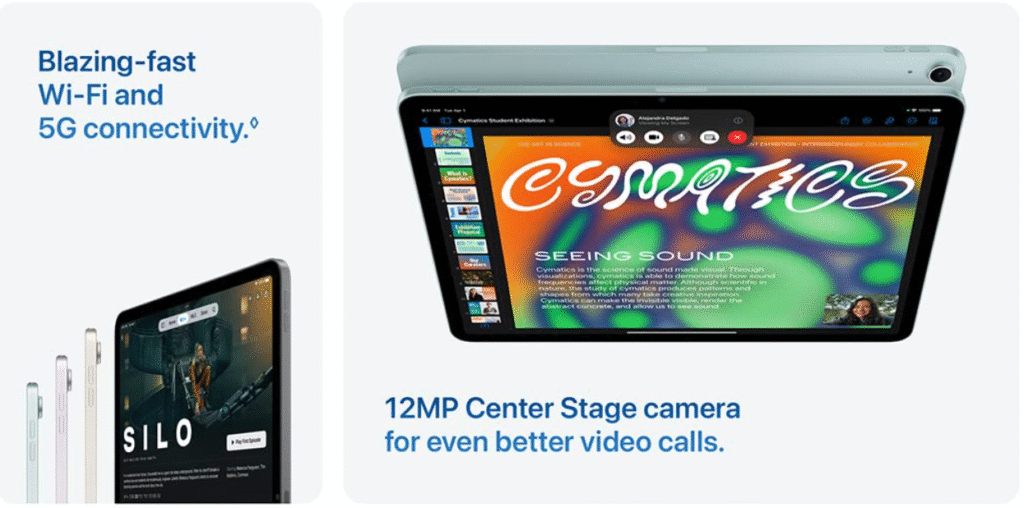
The rear 12 MP camera captures sharp photos and 4K video—ideal for content creators or quick document scans. The front 12 MP Center Stage camera keeps you centered during video calls, enhancing virtual meetings and study sessions.
Paired with stereo speakers and clear microphones, the iPad Air transforms into a capable multimedia hub for streaming, conferencing, and casual content creation.
7. Software & Ecosystem Integration
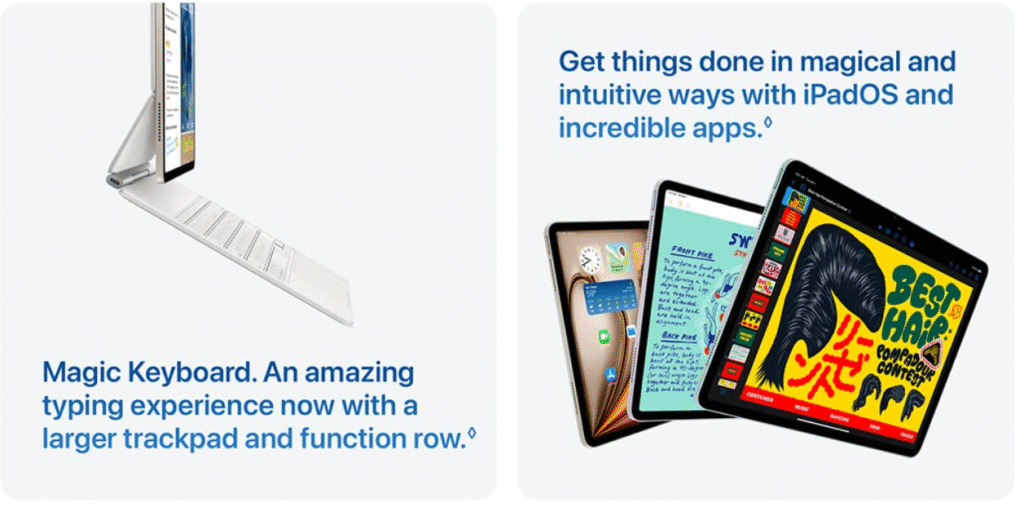
The iPad runs on iPadOS, a system optimized for multitasking and productivity. Features like Split View, Slide Over, and Stage Manager allow multiple apps to run simultaneously.
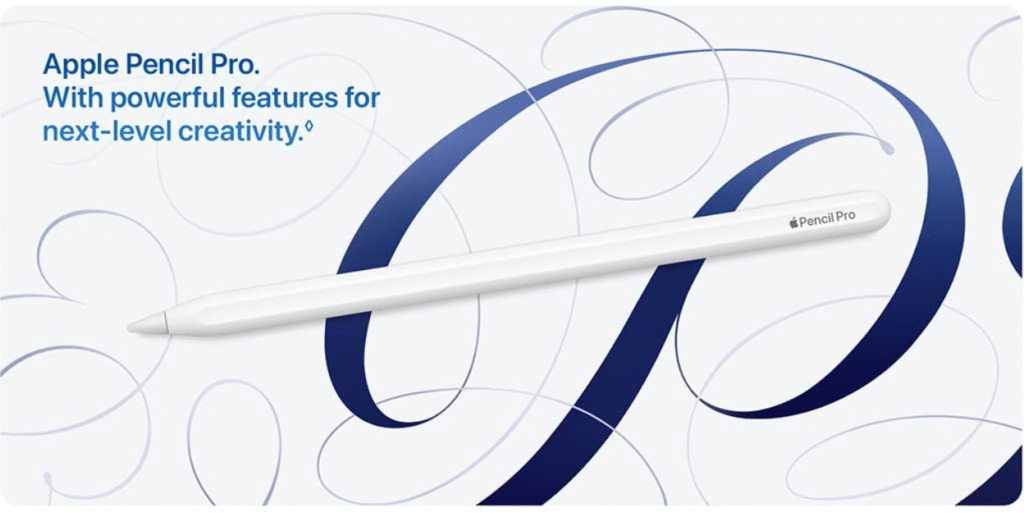
Apple Pencil support unlocks creative tools for note-takers and artists, while integration with Mac and iPhone enables seamless handoff, file sharing, and continuity.
The addition of Apple’s intelligence features enhances workflows, offering predictive assistance and smarter interactions.
8. Battery Life & Charging
Expect 8–12 hours of real-world usage depending on workload. From classes and workdays to long flights, the iPad Air lasts comfortably without a recharge.
USB-C charging is straightforward, and using a higher-wattage adapter shortens recharge times. Standby power management is excellent, ensuring minimal battery drain when not in use.
9. Real-World Use Cases
Productivity
Attach a Magic Keyboard and transform the iPad Air into a laptop replacement. Managing emails, editing documents, and attending video meetings feels effortless.
Creativity
With Apple Pencil, apps like Procreate, Affinity Photo, and video editors run smoothly. Creators can sketch, paint, and edit confidently.
Entertainment
The vivid display and rich audio make movies, games, and streaming content immersive and enjoyable.
Education & Mobility
Students benefit from digital note-taking, interactive learning apps, and portability for classes. For remote workers, cellular models provide uninterrupted connectivity on the move.
10. Strengths & Limitations
Strengths:
- M3 performance
- Excellent display quality
- All-day battery life
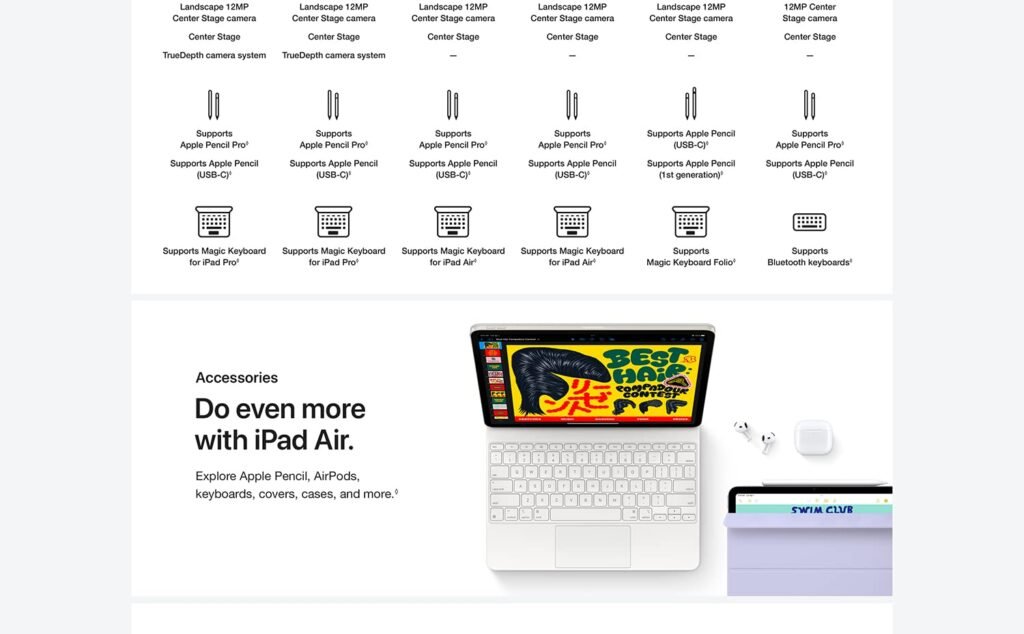
- Apple Pencil and Magic Keyboard support
- Modern connectivity (USB-C, Wi-Fi 6E, 5G)
- Premium build and lightweight design
Limitations:
- No ProMotion 120 Hz display
- Base storage may feel restrictive for power users
- External display support is limited compared to Pro models
- Accessories add to overall cost
11. Best Buyer Profile
This iPad is best suited for:
- Students who want a reliable study companion.
- Professionals balancing productivity and mobility.
- Creators seeking performance without the iPad Pro’s price.
- Apple ecosystem users looking for seamless integration.
12. Parting Thoughts & Recommendation
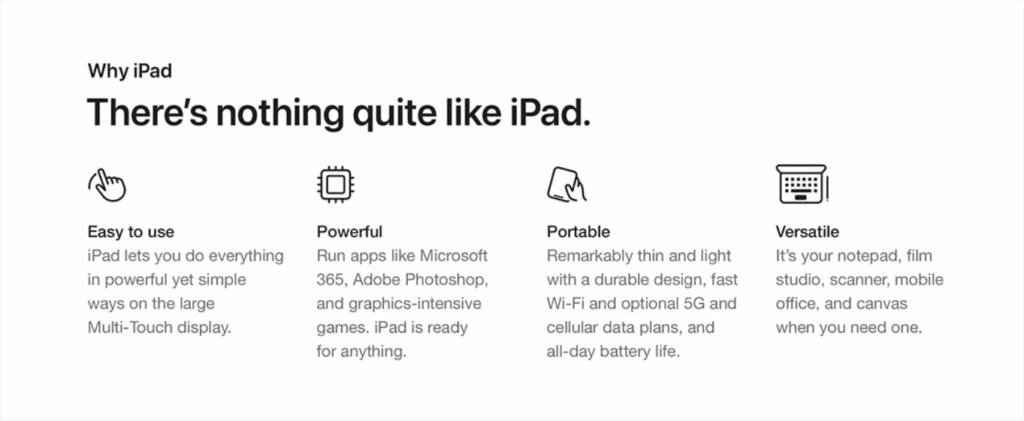
The iPad Air 11-inch (M3) is a refined, powerful, and versatile device that redefines what a mid-tier iPad can be. It offers cutting-edge performance, reliable battery life, and seamless integration with Apple’s broader ecosystem.
While it lacks a few premium features reserved for Pro models, the iPad Air still delivers exceptional value. For most U.S. users, this is the ideal blend of power, design, and affordability in the Apple lineup.
13. FAQ
Q: Is 128 GB storage enough?
A: Yes for casual users, but professionals working with large files may prefer 256 GB or higher.
Q: Does this iPad have 120 Hz ProMotion?
A: No, it runs at 60 Hz, but the M3 chip ensures smooth interactions.
Q: Can I use Apple Pencil and Magic Keyboard?
A: Yes, both are fully supported and unlock advanced productivity and creativity features.
Q: Is this suitable for creative apps like Procreate or LumaFusion?
A: Absolutely. The M3 chip handles creative workloads with ease.
Q: How long will it receive software updates?
A: Based on Apple’s track record, expect 5–7+ years of updates.
Q: Who should buy this iPad Air over an iPad Pro?
A: Those who want powerful performance and modern features without paying a premium for extras like ProMotion or Thunderbolt support.